Human Firewall - Your First Line of Defense Against Threats
Security starts with simple, everyday personal habits that block the majority of automated cyberattacks. Practicing good digital hygiene isn’t just beneficial for your organization, but also helps keep your personal information, accounts, and digital life safe.
Your everyday decisions and small choices can either strengthen or weaken your security - both personally and professionally. Deciding whether to click a link, approve a login request, reuse a password, or share information online, determines your digital safety.
Humans are often considered as the weakest link in cybersecurity because they can be vulnerable to the tactics of cybercriminals, particularly through social engineering attempts or weaker security practices. That’s why, in today’s cybersecurity landscape, strengthening your first line of defense – your “Human Firewall” – is an essential baseline defense.
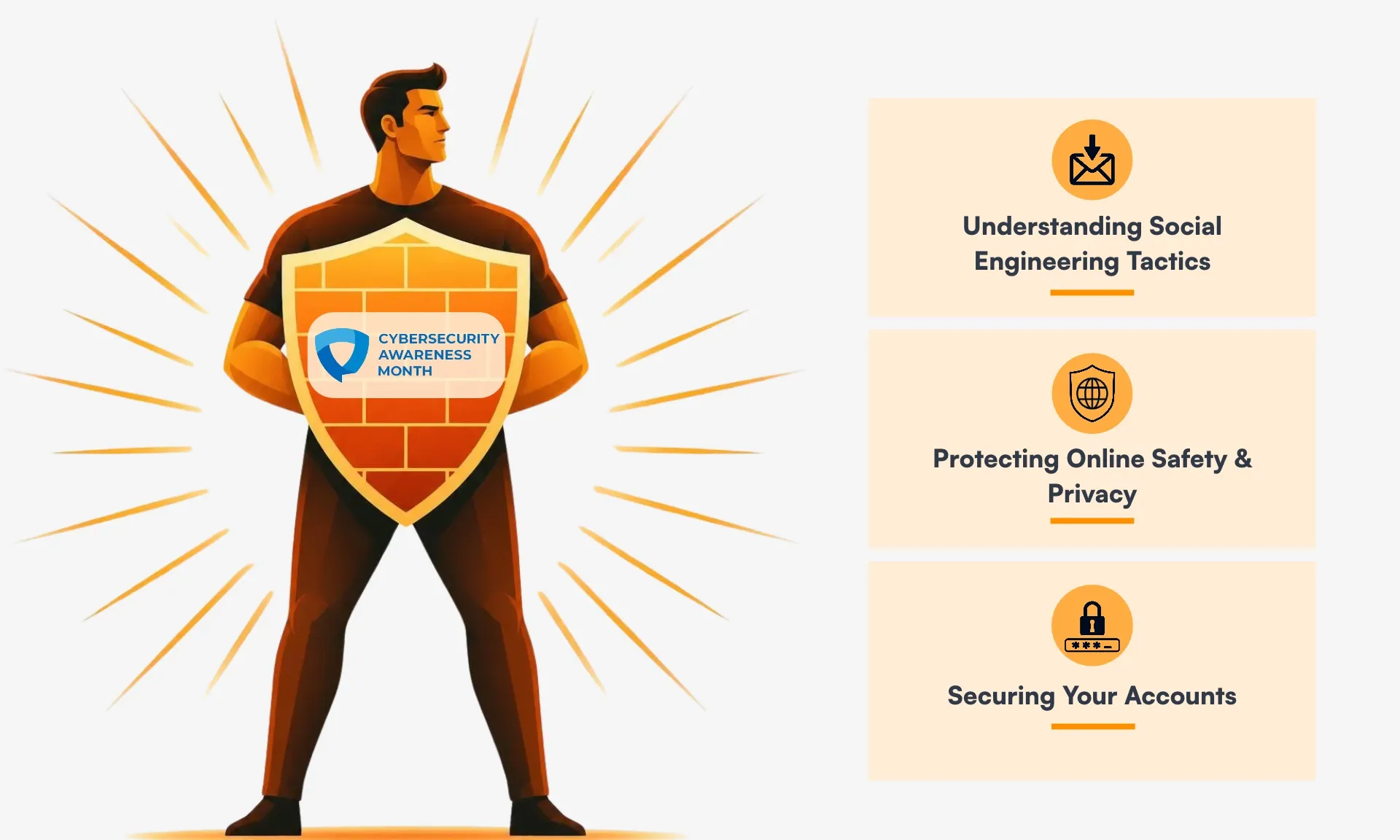
This can be done through general awareness and adopting three critical digital hygiene habits:
1. Understanding Social Engineering Tactics
Cybercriminals are managing to evade sophisticated cybersecurity tools and technical defense structures through social engineering campaigns to manipulate individuals into revealing sensitive information, clicking malicious links, granting access to accounts, or transferring money. With evolving technologies and increasing use of generative AI, it has become easier for cybercriminals to conduct a high level targeted social engineering attack that includes convincing language, familiar branding, and genuine-looking links.
The good news is that many of these social engineering attacks can be prevented by simply slowing down and recognizing the warning signs.
- ‘Think Before you Click!’ - This mantra will help you slow down and look for red flags in unusual emails or messages that create a sense of urgency or fear, or make unexpected requests. Always look at the sender’s address, hover over links to view their destination, and never click on any suspicious links or input credentials. Always verify the request through a trusted communication method.
- ‘Report! Report! Report’ - Always report phishing emails or messages. Reporting helps strengthen email filters to block similar attempts and helps others recognize and avoid future phishing attacks.
2. Protecting Online Safety and Privacy
Small privacy habits make a big difference. Privacy isn’t about disappearing from the internet completely, it’s about being intentionally cautious about what you share, with whom, and why. Simple everyday habits help strengthen your online security.
- Limit Sharing Information Online - Attackers try to leverage the information available online to create more convincing scams. Details like company name, job title, upcoming travel plans, or personal milestones can help someone build a believable story. Avoid oversharing sensitive and personal information online and share only general information that cannot be used to create targeted scams.
- Audit Your App Permissions - Protect your data privacy by limiting the permissions of installed applications and regularly reviewing privacy settings. Always deny elevated app permissions and ensure apps have access to only the necessary information required to perform that particular task.
3. Securing Your Accounts
A compromised account can expose sensitive data and potentially provide unauthorized access to other applications. Attackers use automated tools to scan for weak or leaked credentials and may attempt to use those credentials to simultaneously access other platforms. Do not wait for a breach to happen before taking action. Adopt strong account management habits to strengthen your security and protect your digital environment.
- Password Managers Are a Necessity - Always use long, complex, unique passwords for every single account. Instead of memorizing hundreds of random unique passwords, utilize a trusted password manager to securely generate, store, and manage account credentials.
- Enable Multi-Factor Authentication (MFA) - In addition to using a password manager, enable MFA whenever available to add an extra layer of protection beyond your password. This step helps prevent unauthorized access in the event of a credential leak. Use authenticator applications or passkeys, and never blindly approve an MFA request you didn’t initiate.
Building a strong “Human Firewall” is not a one-time effort, but a daily practice. While technology continues to evolve, and cybercriminals continue to refine their tactics, our everyday decisions and simple habits make a significant difference. By simply slowing down to verify unusual messages, staying intentional about what you share online, and securing your accounts with password managers and MFA, you help strengthen your first line of defense.
You don’t need to be a cybersecurity expert to stay safe—you just need to adopt a few reliable habits. Take a moment today to review your privacy settings, check your passwords, and commit to these three simple habits.